Troubleshooting: Premium Features Are Not Working
Check that the core plugin, Premium plugin, license, WooCommerce, and required integrations are active.
Applies to Core 2.2.11 / Premium 2.6.4+
Stable
Verified August 3, 2026
Premium features require the free core plugin, the Premium add-on, and an active license.
Checklist
- Go to Plugins and confirm Blacklist Manager is active.
- Confirm Blacklist Manager Premium is active.
- Go to YoOhw Studio > Licenses or Settings > YoOhw Licenses.
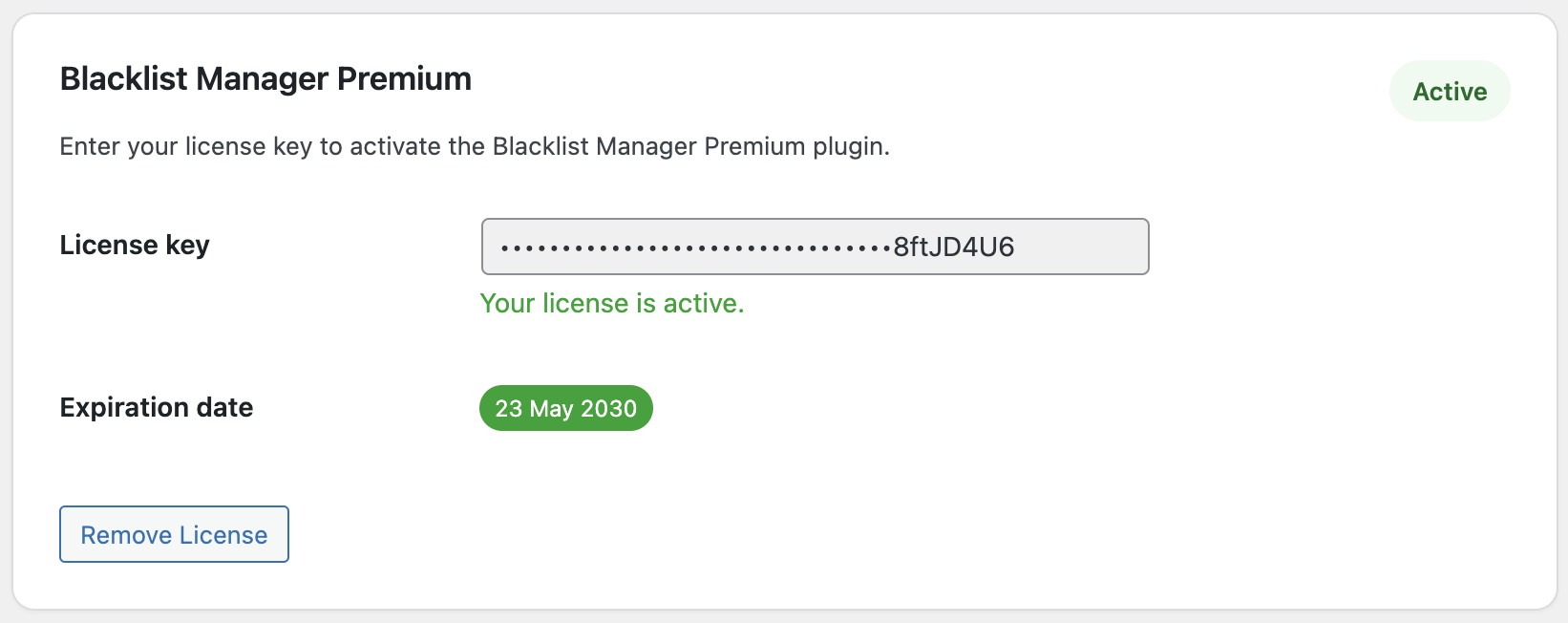
- Confirm the Blacklist Manager Premium license status is active.
- Confirm WooCommerce is active if the feature is checkout, order, payment, automation, or scoring related.
- Go to Blacklist Manager > Settings and confirm Premium tabs are visible.
- Clear cache and reload the admin page.
If A Specific Feature Is Not Working
- Anti-bots: confirm Enable protection is on and the mode is Balanced, Strict, or Custom.
- Automation: confirm the rule is enabled and the action is not None.
- Scoring: confirm the automation rule uses Treat as score and scoring values are configured.
- Payment checks: confirm Payment detection is enabled and a supported payment plugin is active.
- Google Maps checks: confirm the Google Maps API key is saved and geocoding is enabled.
- SMS verification: confirm the SMS service credentials are valid.
- Disposable email or phone checks: confirm Usercheck, ZeroBounce, or NumCheckr keys are configured.
What To Capture For Support
- Screenshot of Plugins page showing both plugins active.
- Screenshot of the license status with the key hidden.
- Screenshot of the settings tab for the feature that is not working.
- Order ID or test checkout details if the issue happened during checkout.
- Any PHP error log or WooCommerce fatal error log if available.
Expected Result
Once the core plugin, Premium add-on, license, WooCommerce, and required integrations are active, Premium tabs and features should become available.
Continue from Blacklist Manager Premium documentation to the complete product workflow.
Evaluate product scope on the money page, use the pillar Guide for decisions and trade-offs, and return here for exact configuration.
Did this guide answer your question?
Still stuck?
Open a support request and include this article title, your plugin version, and what you already tried.
Open Support